Food production downtime and waste tracking works best when a plant treats time losses, unit losses, and material losses as connected records rather than separate spreadsheets. The practical goal is not to document every detail of every interruption. It is to create a consistent loss-data model that answers four questions for each run: What time was available? What entered the line? What was accepted as good output? What happened to the difference?
A useful system combines automatically captured PLC production counts with short operator-entered downtime reasons, reject signals, waste or scrap records, and a defined finished-good count. The records must share the same run, product, line, and time context. If they do not, a dashboard may look complete while still being unable to explain where production was lost.
Start with one production-loss model
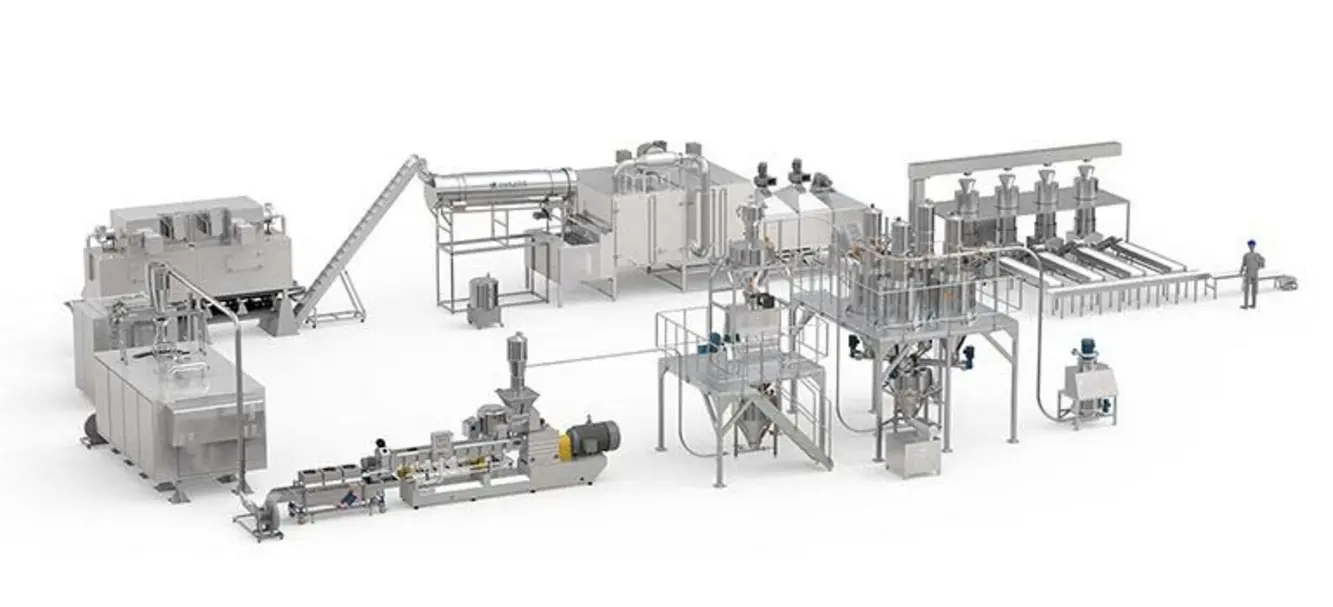
Before choosing codes or configuring an HMI, define the production boundary. A line may begin at raw-material dosing, forming, filling, cooking, slicing, packing, or case packing. The correct boundary is the point at which the team can reliably count or weigh product entering the process and compare that quantity with a meaningful output measure.
For many packaged products, the basic model is:
- Scheduled time: The planned production window for a line or asset.
- Run time: Time when the line is producing at a valid operating rate.
- Downtime: A defined stopped condition during scheduled production.
- Product in: Units, weight, or batches that cross the chosen input boundary.
- Product out: Accepted finished units, packages, cases, or weight crossing the output boundary.
- Rejects: Individually identified units automatically or manually removed from the normal product flow.
- Scrap or waste: Material that cannot return to saleable product under the plant’s approved process.
- Rework: Material retained for an approved later use. It should not disappear into either good output or scrap.
- Hold: Product or material awaiting a quality, operational, or disposition decision.
Use one primary unit for each product family. A snack line may reconcile kilograms or pounds at the process level and cases at packaging; a bottling line may reconcile containers and cases. Do not force a unit-based count to reconcile precisely with a mass balance when the product characteristics make that impossible. Instead, maintain separate but linked count and mass views.
A simple loss tree
A production loss tree should divide losses into categories that do not overlap. One workable structure is:
- Time loss — the line could not make product for some portion of scheduled time.
- Rate loss — the line ran, but below its expected rate for the product and format.
- Quality or reject loss — product was made but not accepted.
- Material loss — ingredients, work in process, packaging, or finished goods were discarded, spilled, damaged, or otherwise disposed of.
- Accounting difference — a count, weight, or inventory discrepancy that has not yet been explained.
This separation matters. A film break can create a stop, a restart loss, rejected packs, and wasted packaging material. Treating all of that as one downtime entry hides the scale and type of loss. Treating each item as unrelated makes root-cause work harder. Link the records through a common event or run identifier.
Define count points before defining reason codes
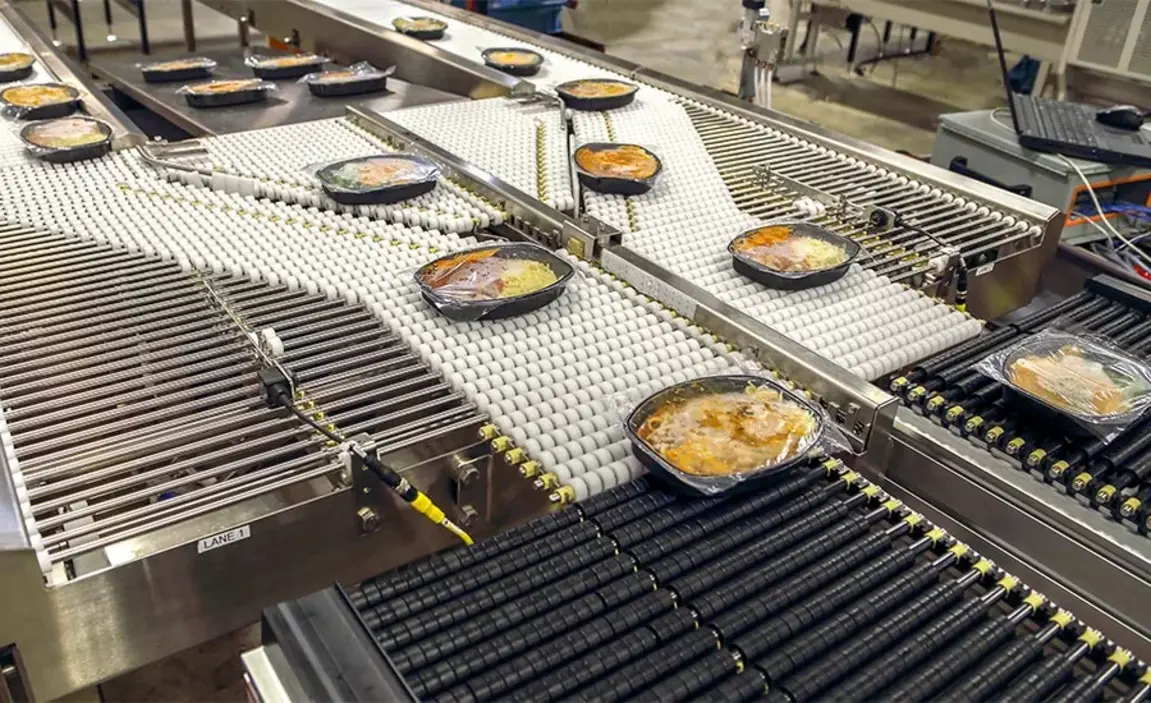
PLC production counts are only useful if everyone agrees what each counter represents. Document every count point, its signal source, its physical location, and its reset behavior.
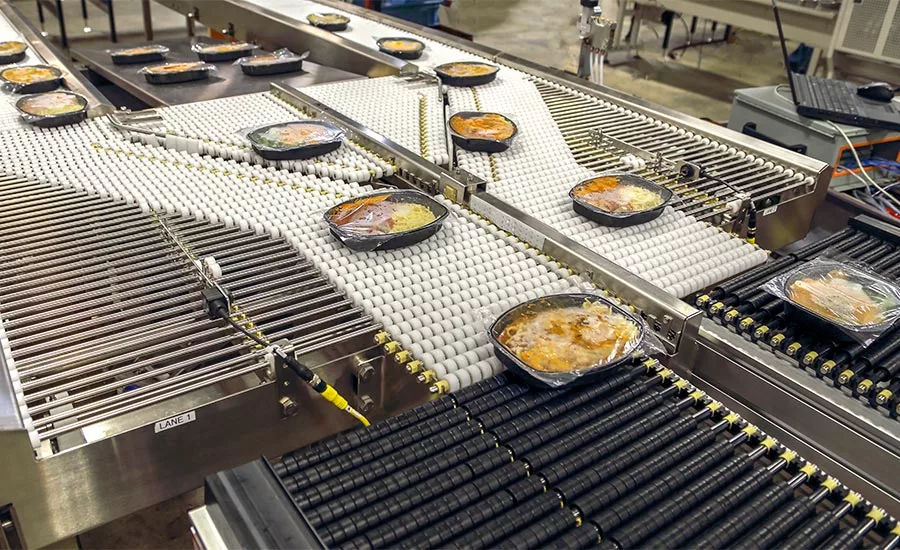
Source: foodengineeringmag
A typical packaging-line count map may include:
| Count point | What it represents | Common use |
|---|---|---|
| Infeed count | Product or primary packages entering a machine or line section | Establishes product in and detects starvation |
| Machine discharge count | Units produced by a specific machine | Identifies machine-level yield and rate |
| Reject count | Units diverted by a reject device or manually rejected | Separates known rejects from unexplained loss |
| Checkweigher or inspection reject | Units rejected for a measured or inspected condition | Supports quality-loss analysis |
| Case packer count | Cases formed or packed | Tracks packaging output |
| Pallet or finished-good count | Accepted finished goods transferred to inventory or shipping | Defines final good output |
For each signal, answer these questions:
- Does one pulse always equal one unit?
- Can the sensor double-count, miss product, or count a jammed unit repeatedly?
- Is the count reset at shift, batch, order, recipe, or operator login?
- Does a reject counter count the reject command, the confirmed diversion, or a manual entry?
- Can operators correct a count, and is the correction retained in an audit trail?
- Is the product identifier attached to the count at the moment it is recorded?
A count point is not automatically a good-output point. For example, a package may pass a filler counter but later fail inspection or be lost at a downstream transfer. Final output should normally be defined at the last accepted point relevant to the reporting purpose, such as released cases, accepted packs, or finished-goods transfer.
Build downtime reasons around observable conditions
Operators should be able to choose a reason quickly based on what they can observe. Asking them to diagnose a failed drive, sensor, or pneumatic circuit at the moment of a stop usually produces unreliable data. Maintenance can later validate the technical cause if needed.
A two-level structure is often the practical middle ground: a broad category for reporting and a specific sub-reason for action. Guidance on reason-code design commonly recommends this approach because it supports both category-level Pareto analysis and investigation of recurring events. Tractian’s overview of structured reason codes describes the same category-and-sub-reason principle.
Start with five to seven top-level categories, such as:
- Equipment or mechanical
- Electrical, controls, or automation
- Material or packaging supply
- Process or quality condition
- Changeover, cleaning, or planned activity
- Utilities or facility support
- Staffing, scheduling, or external constraint
Then add only the sub-reasons that recur on the line. Examples include “carton magazine empty,” “film tracking fault,” “infeed jam,” “product temperature out of target,” “allergen cleanout,” “upstream starved,” and “downstream blocked.” The exact terms should match plant language, but each code needs a short written definition.
Avoid a long flat list of near-duplicates such as “jam,” “minor jam,” “conveyor jam,” “product jam,” and “line jam” unless the different choices lead to different owners or corrective actions. Overly detailed lists encourage generic selections, delayed entry, or abandoned data. Practical downtime guidance also emphasizes clear thresholds, simple entry, and regular review of missing or inconsistent logs. MaintainX’s downtime tracking guide outlines these implementation basics.
Keep “unknown” but control it
An unknown or not yet determined code is necessary. It is better than a false diagnosis. However, it should not become a permanent destination for events.
Set a review rule for unknown events, such as supervisor review before the end of the shift or maintenance validation for longer events. Track unknown time as its own loss category. A rising unknown share is usually a sign that the reason tree is unclear, the interface is too slow, training is weak, or the true causes are not represented.
Record waste as a disposition, not just a quantity
Scrap tracking food production requires more than a number entered at the end of the shift. Each waste record should identify what was lost and what happened to it.
At minimum, capture:
- Run, order, batch, product, and line
- Time of loss or time range
- Material type: ingredient, work in process, packaging, finished product, or mixed waste
- Quantity and unit of measure
- Disposition: scrap, rework, hold, return, or another approved local category
- Loss reason
- Related downtime event, when applicable
- Entry source: PLC, scale, operator entry, quality record, or inventory transaction
A packaging reject is not always material scrap. A damaged case might contain saleable primary packages; a seal failure may require disposal; a coding issue may permit rework under a plant-approved procedure. The tracking system should record the actual disposition rather than assume that every rejection is automatically scrapped.
Keep food-safety and quality dispositions distinct from operational causes. For example, “held for quality review” describes the product status, while “metal detector reject” or “label verification failure” describes the triggering condition. Final disposition should follow the site’s established quality and traceability procedures.
Link events without creating an operator reporting burden
The system should automate context wherever possible. When a line enters a stopped state, the control system or data platform can create an event with start time, line, machine, current product, order, and operator session. The operator then selects a reason when the event is long enough to require classification.
A useful event record can include:
- Event ID
- Start and end time
- Affected asset or line segment
- Automatic state: stopped, blocked, starved, faulted, or another defined state
- Operator-selected reason and sub-reason
- Initial reason and validated reason, if later changed
- Related reject and waste entries
- Free-text note only when it adds needed context
Use a threshold for manual coding, but do not erase short stops from the data. Small stops can be accumulated automatically by state or counted as frequency events. A line that loses many brief interruptions may have little recorded “downtime” if the threshold is applied without a separate microstop view.
The same principle applies to blocked and starved conditions. If a downstream cartoner is stopped, an upstream wrapper may be blocked rather than mechanically failed. Its lost time should not be coded as a wrapper breakdown simply because it was not running.
Reconcile product in, product out, and loss at the right cadence
A basic production balance can be expressed as:
Product in = good product out + rejects + scrap + rework retained + hold inventory change + unexplained difference
The exact formula varies with the production boundary and unit of measure. In a continuous process, intermediate vessels and line fill can create a meaningful inventory change between the start and end of a run. In packaging, open cases, partially used rolls, and product remaining in conveyors may also affect a shift balance.
Reconcile at least once per shift or run, while people can still investigate the difference. Waiting until month-end turns a solvable event into an accounting adjustment.
When the balance does not close, investigate in a consistent order:
- Confirm the product, order, and run timestamps on each source.
- Check whether counters were reset, bypassed, duplicated, or manually corrected.
- Review line-start and line-end inventory, including product in equipment.
- Compare automatic rejects with physical reject-bin or waste records where practical.
- Check whether rework or hold quantities were posted to the correct status.
- Assign the remaining amount to a visible unexplained-loss category rather than silently forcing the numbers to balance.
Pilot the model on one line first
A pilot should be long enough to capture normal production, changeovers, cleaning, minor interruptions, and at least a few meaningful faults. Begin with a small number of codes and a limited set of reliable count points. The first objective is usable data, not a fully mature taxonomy.
A practical rollout sequence is:
- Map the product flow and define the reporting boundary.
- List count points and verify what every PLC tag actually means.
- Agree on downtime, microstop, blocked, starved, reject, scrap, rework, and hold definitions.
- Create the initial reason tree with operators, production, maintenance, quality, and planning.
- Configure automatic event context and a short operator workflow.
- Train against real examples from the line, not abstract labels.
- Review a daily shift summary and a weekly Pareto of time, frequency, reject, and material losses.
- Retire unclear codes, add only recurring missing causes, and maintain version control for the taxonomy.
Do not use the data as an individual blame tool. If operators expect a reason code to be used against them, they will select the fastest or safest-looking option rather than the most accurate one. The reporting system should support faster problem solving at the line.
Review loss by both duration and frequency
A Pareto chart of downtime minutes identifies long events. A Pareto chart of event frequency identifies repeated interruptions that may be too short to dominate total minutes but still reduce rate, increase waste, and burden operators.
Review at least these views together:
- Downtime minutes by category and sub-reason
- Stop frequency by sub-reason
- Reject units or reject weight by reason
- Scrap quantity and value basis, where the plant has an approved costing method
- Product-in versus product-out balance by run
- Unknown or uncoded event share
- Losses by product, format, shift, machine, and changeover state
The output of the review should be a short action list: the largest verified loss, its owner, the next check or experiment, and the date for follow-up. A reason-code system is successful when it helps the plant eliminate a repeatable loss, not when it produces a more elaborate dashboard.
Common design mistakes
The most common mistake is collecting downtime, rejects, and waste in separate systems with no common run or event reference. The next is building a code list so detailed that no one can use it under production conditions.
Other avoidable problems include:
- Counting every machine discharge as finished output
- Mixing planned activities with breakdowns without a clear reporting rule
- Treating blocked and starved equipment as failed equipment
- Recording rework as good output before it is actually reintroduced and accepted
- Allowing manual count changes without retaining the original value and reason
- Using “other” as a permanent top loss category
- Comparing different product formats without a product-specific expected rate or unit basis
A disciplined production loss tree does not require an advanced software project at the outset. It requires shared definitions, trustworthy count points, an operator-friendly reason structure, and a routine for reconciling and acting on the data. Once those foundations are stable, additional automation can make the records faster to capture and easier to compare across lines.
References
- Machine Downtime Tracking: Why Plants Miss Half Their Stops | Tractian. (n.d.). https://tractian.com/en/blog/machine-downtime-tracking
- The Complete Downtime Tracking Guide. (n.d.). https://www.getmaintainx.com/blog/downtime-tracking
- Machine Downtime Tracking: Reason Codes & Pareto Analysis - Makula. (n.d.). https://www.makula.io/blog/production-downtime-tracking
- Guidewheel | How to build a downtime reason tree that actually improves performance. (n.d.). https://www.guidewheel.com/blog/oee-downtime-tracking
- Food Manufacturing Maintenance: Complete Guide to Reduce Downtime by 40%. (n.d.). https://oxmaint.com/blog/post/food-manufacturing-maintenance-complete-guide-
- Defining production downtime: reduce losses, boost efficiency. (n.d.). https://mestric.com/defining-production-downtime-reduce-losses-efficiency
- Manufacturing Downtime Dashboard: Track & Optimize Production. (n.d.). https://harmoni.io/feeds/blog/manufacturing-downtime-dashboard
- Machine Downtime Tracking: What It Is & Why It Matters. (n.d.). https://www.rzsoftware.com/blog/downtime-tracking